

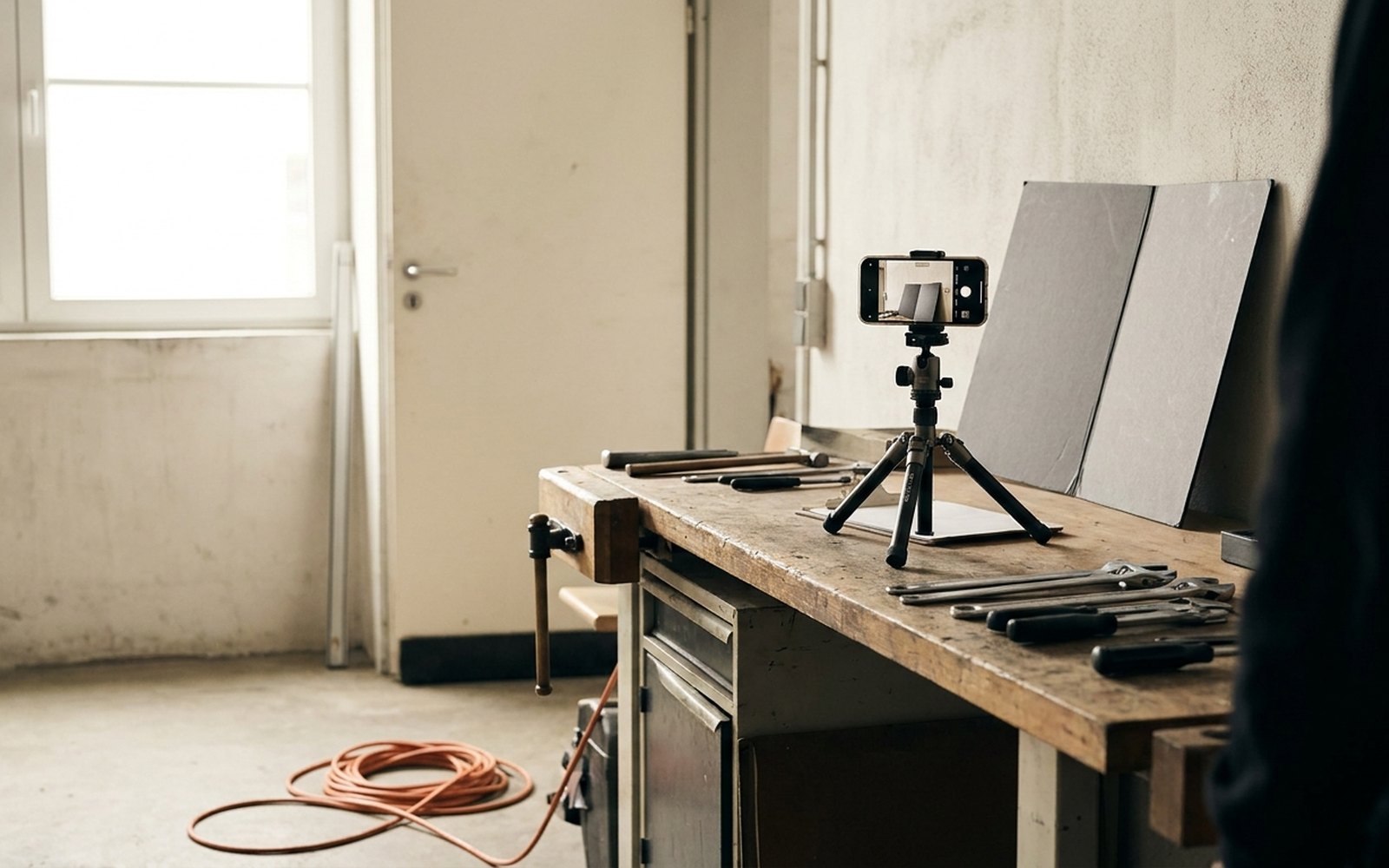
A business website with real photos reads as more credible than one built on purchased stock images, and getting there does not require a photographer or a big budget. For most home services and trades businesses, a recent phone camera is enough, as long as the lighting, framing, and a shot list are sorted out ahead of time. A photographer pays off on a handful of specific shots, not as the default for every photo on the site.
What stock photos cost a business website
Visitors usually spot a stock photo within a second or two: flawless models, a smile that doesn’t match any real situation, a tool held in a way no actual tradesperson holds it. That mismatch costs trust exactly where a website is supposed to build closeness to the business. A number of documented A/B tests from conversion optimization put a figure on the effect: swapping a stock photo for a real photo of the person responsible lifted signup rates by double digits in one widely cited test, and other tests comparing real customer photos against posed model shots showed a similarly sized lift. The exact number moves with industry and image, but the direction holds across every test: real photos outsell polished ones.
For a trades or home services business, there’s a second effect at play. A stock photo of a generic “contractor” in spotless overalls tells a homeowner nothing about the actual crew, truck, or workshop behind the business. A real photo of a branded work truck or an actual shop floor answers an unspoken question a homeowner has before ever picking up the phone: does this business actually exist, and does it look legitimate.
What Google reads into original photos
Google’s own quality guidance calls out original photos and videos as evidence of genuine, first-hand experience, part of what it labels E-E-A-T (Experience, Expertise, Authoritativeness, Trustworthiness). A stock photo can’t carry that signal, since the same image sits on hundreds of other sites. The effect shows up clearly on a Google Business Profile: Google states that profiles with photos get noticeably more website clicks and more requests for directions than profiles without. How a business profile and a website should work together is covered in Google Business Profile and Your Website.
There’s a practical bonus too. Original photos can carry a descriptive file name and alt text tied to the actual job, like “bathroom-remodel-shower-after” instead of a generic stock file name. That helps image search and makes the page usable with a screen reader on top of it.
Phone, photographer, or stock: matching the shot to the tool
| Shot | Best fit | Why |
|---|---|---|
| Team and owner portraits | Phone, photographer for the hero shot | Needs to stay current, gets reused often |
| Work-in-progress shots | Phone | Authenticity matters more than sharpness |
| Finished jobs, project gallery | Phone, fixed camera position | A before-and-after comparison beats studio polish |
| Homepage hero image | Photographer, budget permitting | One-time investment with the widest reach |
| Icons for a services overview | Illustration instead of a photo | No need to tie it to a real person |
| Generic mood shots with no tie to the business | Skip it | Builds no trust, reads as generic |
The pattern holds across the table: wherever a visitor needs to see a real person, a real job, or a real result, the original photo wins. A photographer earns its cost almost entirely on the single image seen most often, the homepage hero, because that’s where the investment pays back fastest.
Shot list for a one-morning walkthrough
Blocking out a morning for photos, this list covers the shots that matter most:
- Exterior shot of the building or shop, in daylight, with no unrelated vehicles in frame
- A branded work truck, ideally with a crew member standing next to it
- Owner or manager portrait, approachable, not overly posed
- Full team group photo, everyone who has agreed to appear
- Two or three work-in-progress shots per core service, caught in action, not staged
- Shop or warehouse interior, tidied up
- Tools or equipment specific to the trade
- Three to five finished jobs, ideally shot as before-and-after pairs
- Customer parking or reception area, if there is one
For how these project photos should get organized and cleared for use once they’re taken, see Project Galleries for Contractor Websites: What Actually Sells.
Ground rules for phone photos
Four habits make the biggest difference with a phone camera. Daylight instead of flash or indoor lighting: artificial light throws hard shadows and shifts colors, while daylight, ideally mid-morning or just before sunset, reads even and natural. Clean the frame before shooting: clearing tools, packaging, and debris out of frame takes two minutes and separates a photo that looks professional from a cluttered snapshot. A fixed angle for before-and-after pairs: shooting from the same spot and angle makes the comparison read instantly. And wipe the lens on a sleeve before shooting, a single fingerprint on the lens is enough to make every photo come out soft and hazy.
When a photographer still pays off
A photographer earns its keep when one image gets reused across many places: a homepage hero, a print ad, or a thumbnail in search results. For a home services business with a modest marketing budget, a single half-day session covering owner and team portraits plus two or three work-in-progress shots usually covers it. Every ongoing shot after that, new jobs, current team members, can get handled with a phone without booking a new session for every update.
A working example
A six-person electrical contractor had run a website with four stock photos from a website builder’s template library for years, none of them tied to the actual business. After a single morning following the shot list above, the crew had twenty-two usable photos: an exterior shot, three trucks, a full team photo, an owner portrait, and several work-in-progress shots from active jobs. After swapping the stock photos for the real ones, the homepage bounce rate stayed noticeably lower over the following weeks, tracked against a clear rise in average time on page. The whole project took one morning plus the time to get a quick signed okay from each team member who appeared in the photos.
Anyone building a new business website or reworking an existing one should plan for original photos from the start rather than bolting them on later. For how that kind of build works, including the photo structure from day one, see Subscription Web Design.